








Class 02
Automate repetitive tasks with AI
Jobs get missed because someone has to remember them, and that someone is always you.
You leave with
A setup that does the job by itself and asks you to approve it before anything is sent.
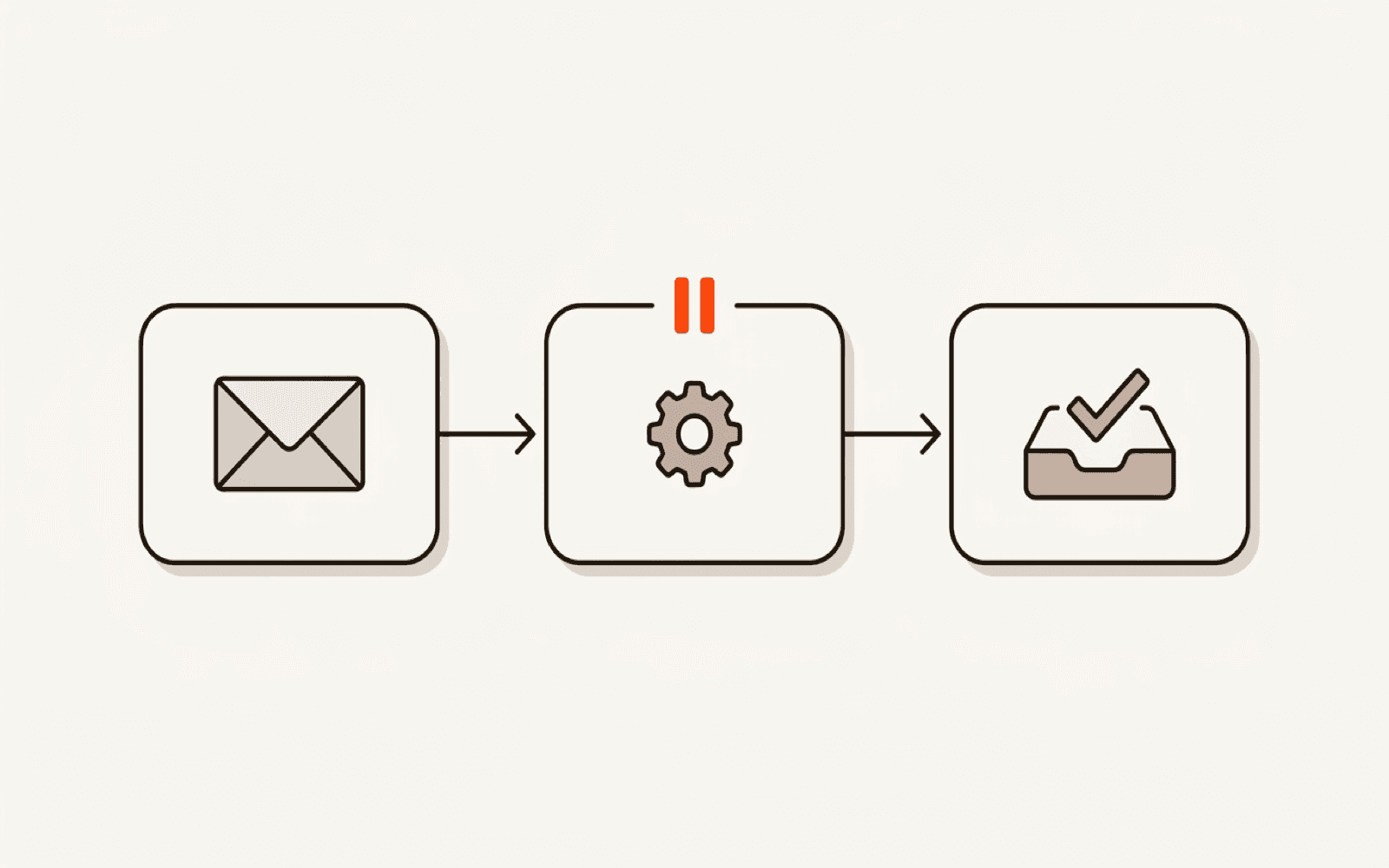
What we work on
- A message that needs an answer today
- A form someone types out again somewhere else
- A reminder that only happens if you remember
The two hours
Minute by minute.
Nobody talks at you for two hours. Here is where every minute goes.
You list what you currently remember for. We score each against three tests: does it repeat, does it have a clear start, does it have a clear finish. Most first choices fail one.
We open QuickBooks, Xero, Outlook and Google Forms and look for the setting that already does your job. Some of you are finished here, and that is a good outcome.
We build the sheet the whole thing runs on, with fixed column names, then connect it to your email.
Four steps, each tested before the next is added. Nobody moves on until their step turns green. You end with a real draft sitting in your Drafts folder.
We add the status column and the date filter, then try to make it send twice in front of you and watch it refuse.
The most important block. A daily 8am email that is both your list and your proof of life, plus failure alerts we test by deliberately breaking a connection.
We submit a deliberately awful entry: no name, blank email, an apostrophe in the surname. Then you write the one-page note on how to switch it off.
This is for you if
- The architect running a two-person practice whose website inquiries arrive Friday at 4pm, while she is on site.
- The practice manager keeping the list of unconfirmed bookings in her head, which does not get checked on a busy Monday.
- The consultant invoicing eleven clients who only chases when the bank balance dips, by which point it is day 60.
It is not for you if
- You want it to send on its own, unread. This class does the opposite on purpose: every send stops and waits for you.
- Your inquiries carry patient records or client financial detail. That needs sign-off from your side first — a processing agreement, or a HIPAA agreement in the US.
Bring this with you
- One job you currently remember for. It must repeat, have a clear start, and have a clear finish.
- Your inquiry form, whatever it is. Or nothing, and use the form Uvin sends you beforehand.
- A second email address you control, for testing. A laptop, not a phone.
Have these open
- A free Make account, signed up and logged in before we start. The class build fits its free tier.
- A Google or Microsoft 365 account — Gmail or Outlook, plus Sheets or Excel.
- If you use QuickBooks, Xero or FreshBooks, log in. Half these jobs are already built into tools you pay for, and we check that first.
One seat
Live, 25 people maximum. Full refund any time before it starts.
All four classes
Cheaper than four single seats, taken in any order.
Private session
Just you and Uvin, on your own files, with nobody watching.
Questions
About this class.
Do I have to write any code?
No. Two hours of clicking and typing ordinary text. This kind of setup has a ceiling and Uvin will tell you exactly where it is, so you know when to hire someone instead.
What will it cost me each month?
The build is designed to fit Make's free tier: 1,000 credits a month, two active setups, checking every 15 minutes. Whether that covers you depends on your volume. Watch the meter for a month and you will know.
Will it email my customers without me seeing?
No. It writes a draft and stops. Nothing leaves your account until you open Drafts and press Send. The only thing it sends by itself is an email to you.
I use Outlook and Microsoft, not Google. Does it still work?
Yes. Same four steps, different buttons. If you pay for Microsoft 365, basic setups are usually included in your license already.
I tried this before and it broke. Why is this different?
Because a third of the class is spent breaking it and catching it. Most tutorials stop the moment something works once. Staying working while nobody watches is the hard part.
Not sure it is the right one
Describe your week instead.
Tell me the job you repeat and I will say which class fits, or that none of them do.